
Support
There are four ways to get help: the help chat, email, the feedback form, and the status page. All four are in the menu under your name at the bottom of the sidebar, on every plan.
Ask the help chat
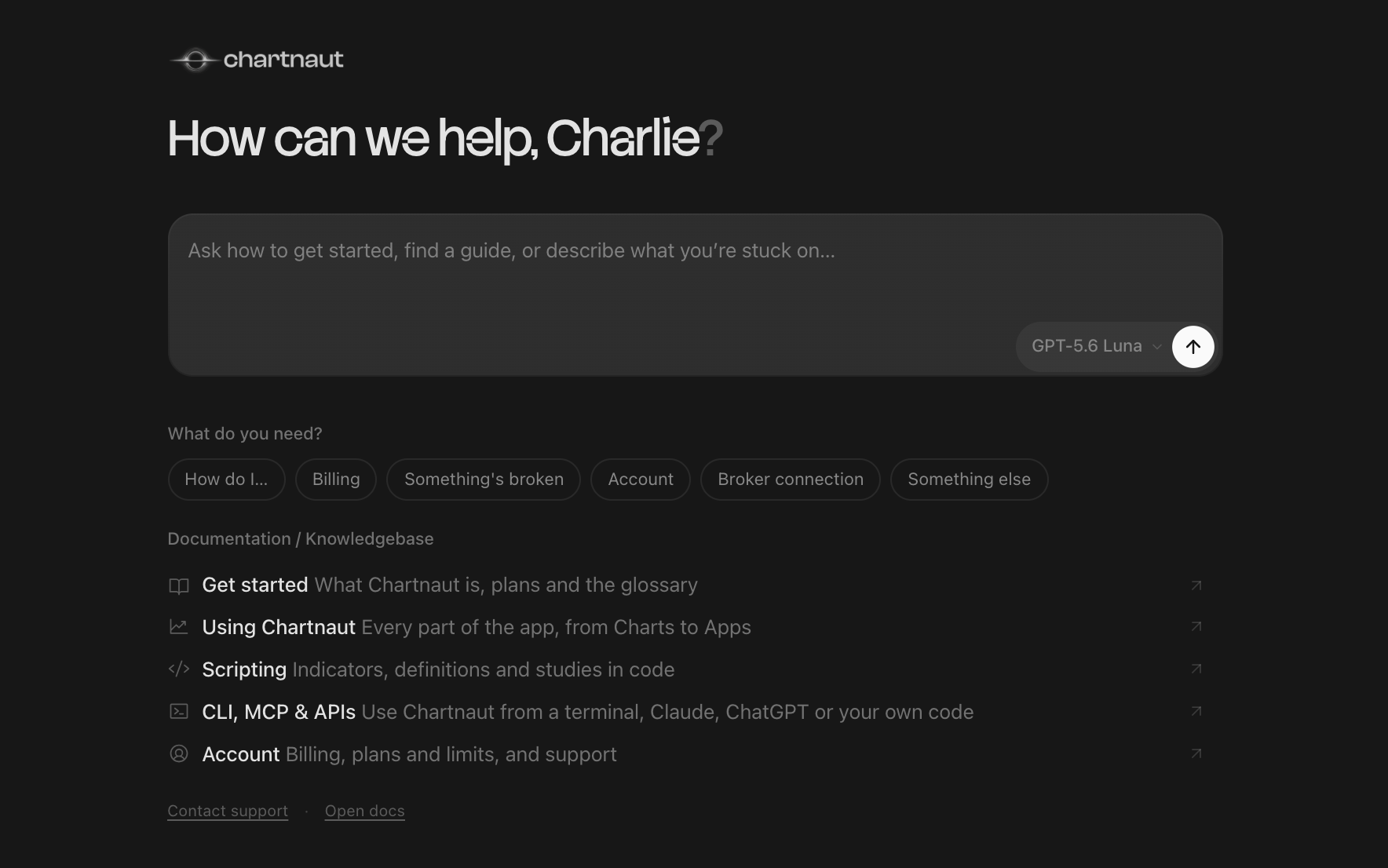
The help chat answers from these docs and from Chartnaut's terms and privacy policy, and links you to the page it used.
Open the menu under your name and click Help / Docs.
Type your question, or click a topic first: How do I…, Billing, Something's broken, Account, Broker connection or Something else. The topic starts the message for you.
Press Enter.
It can also:
tell you which plan you are on, when you are next billed and when access ends
cancel or reactivate your subscription, after you approve a card in the chat
pass your problem to a person. It collects what happened and what you expected, emails the team, and sends you a copy of what you shared
When it cannot answer from the docs, it offers to pass the question on rather than guess.
Email support
Click Support in the menu, then the [email protected] card, or email [email protected] directly. Replies usually come within 24 hours.
For a bug, include what happened, the steps that lead to it, and a screenshot if you have one.
Send feedback
On the Support page, click Share beside Anything worth noting?. The feedback form has three boxes: What you loved, Issues & problems and Suggestions & ideas. Fill in any one of them and click Submit feedback. It goes straight to the product team.
Check system status
Click System status in the menu. The page says All systems operational, or how many areas are degraded or unavailable, and whether market data is Live or Limited. Open an area to see its parts. It checks again every 10 seconds; click Refresh to check now.
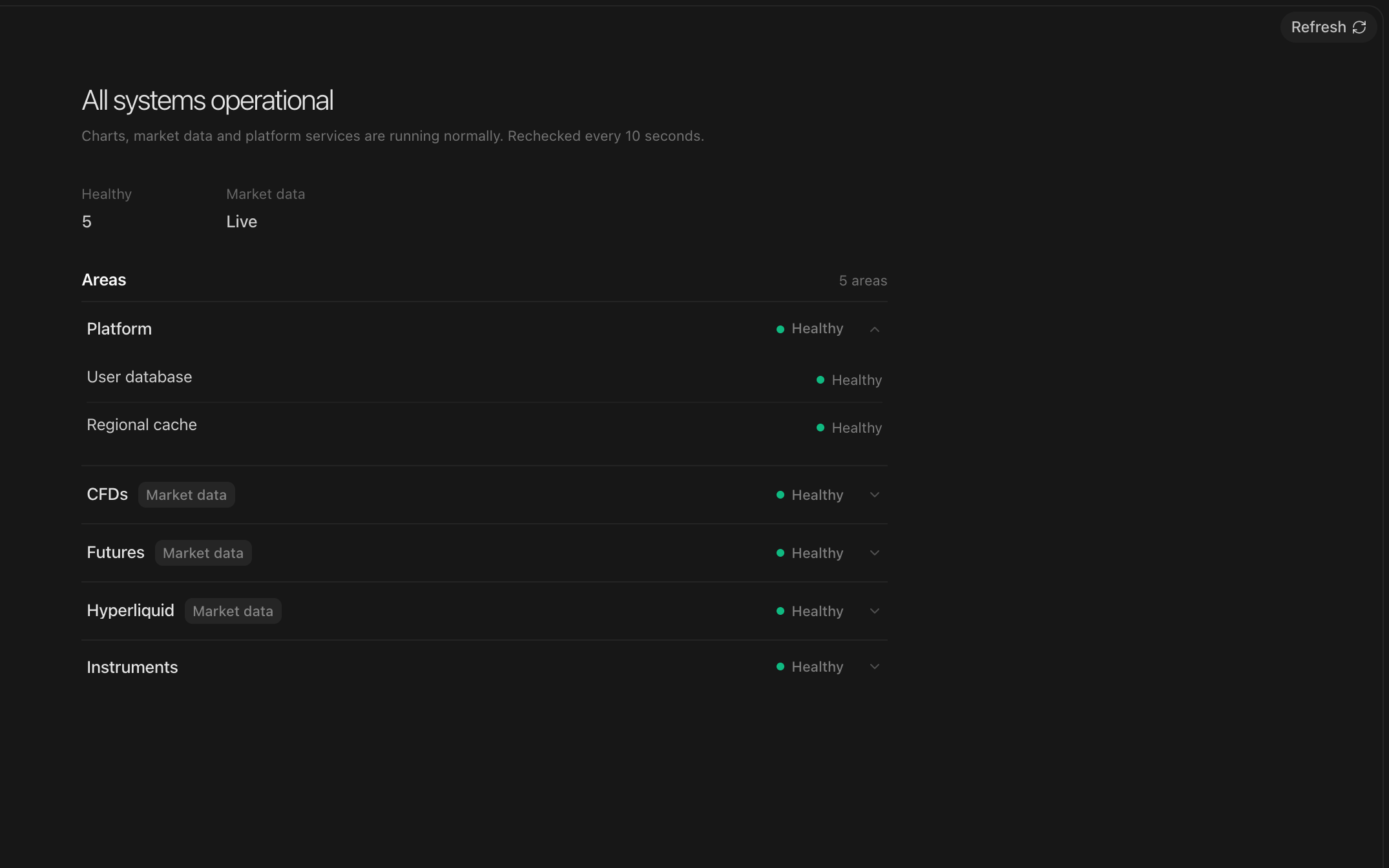
If charts are slow or blank, check here first. When market data is the problem it shows here, and Market data explains the states on the chart.