
Sharing a trade
Share a trade as a styled image card or as a short video of the trade playing out on its chart. Both are made in your browser and saved as files, ready to post or send.
Open the trade in Trades.
Click Share at the top right of the trade.
Choose As image or As video.
As image
The card shows the symbol and side, the P&L in money with the R it made underneath, and when you opened and closed it, at what prices and what size. Your name, avatar and the Chartnaut logo sit on it too.
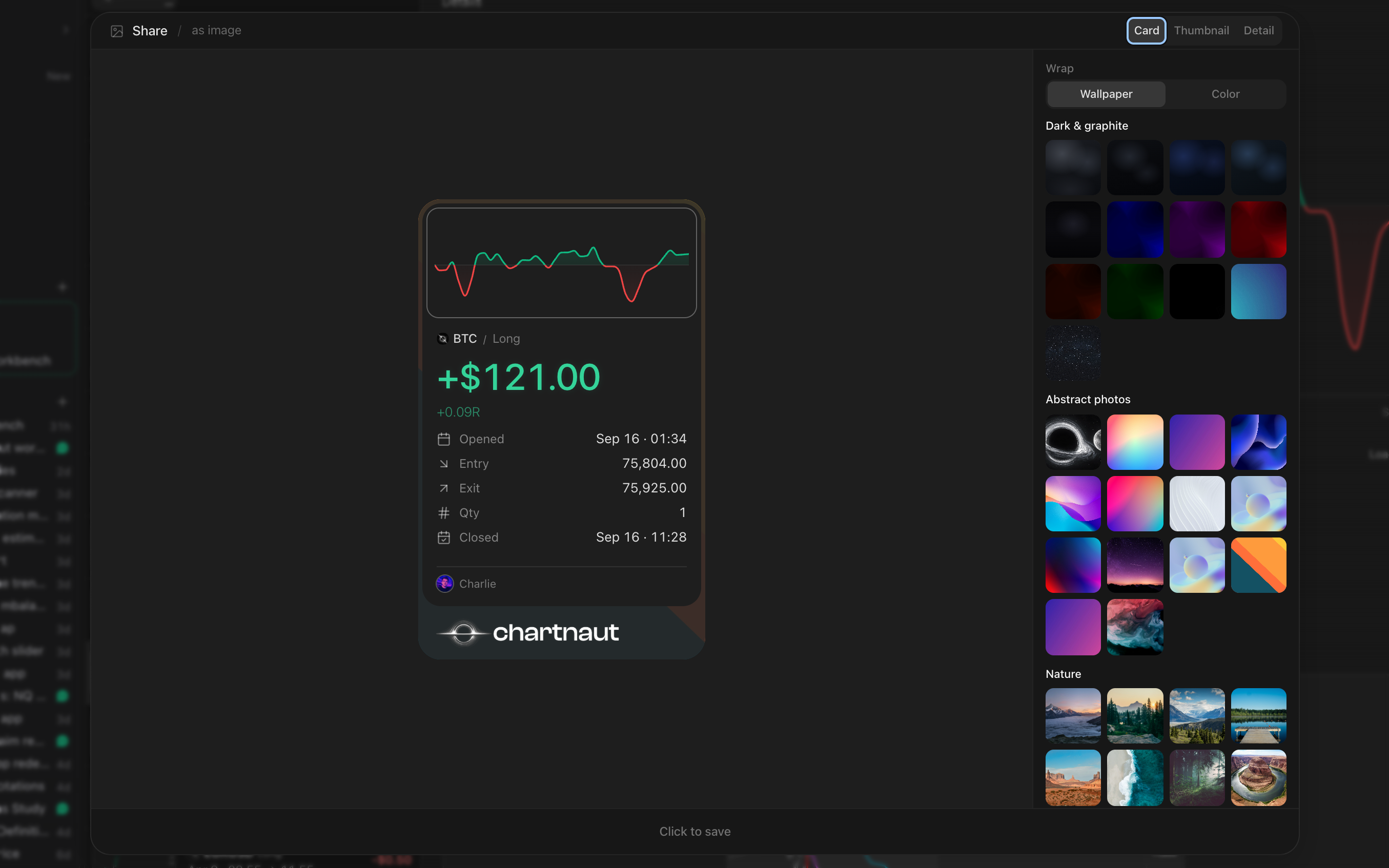
Pick a style at the top of the dialog:
Style | What it shows |
|---|---|
Card | The P&L large, with the trade's P&L path underneath if you want it |
Thumbnail | A chart snapshot from the close, with the trade details below |
Detail | The snapshot and the details side by side |
Then adjust the look in the options beside it:
Wrap: the background, a Wallpaper or a plain Color, with an optional Wash tint over it.
Surface and Type: the colour of the card and of its text. Auto P&L colours the result green or red for you; turn it off to pick your own.
Path (Card style): show or hide the P&L path.
Snapshot (Thumbnail and Detail): which chart from the close snapshot to use, by timeframe.
Author (Thumbnail and Detail): which corner your name goes in.
Reset to defaults puts everything back. Chartnaut remembers your choices for the next trade you share.
To save, click the card or Click to save under it. The card downloads as a high-resolution PNG, named after the symbol.
As video
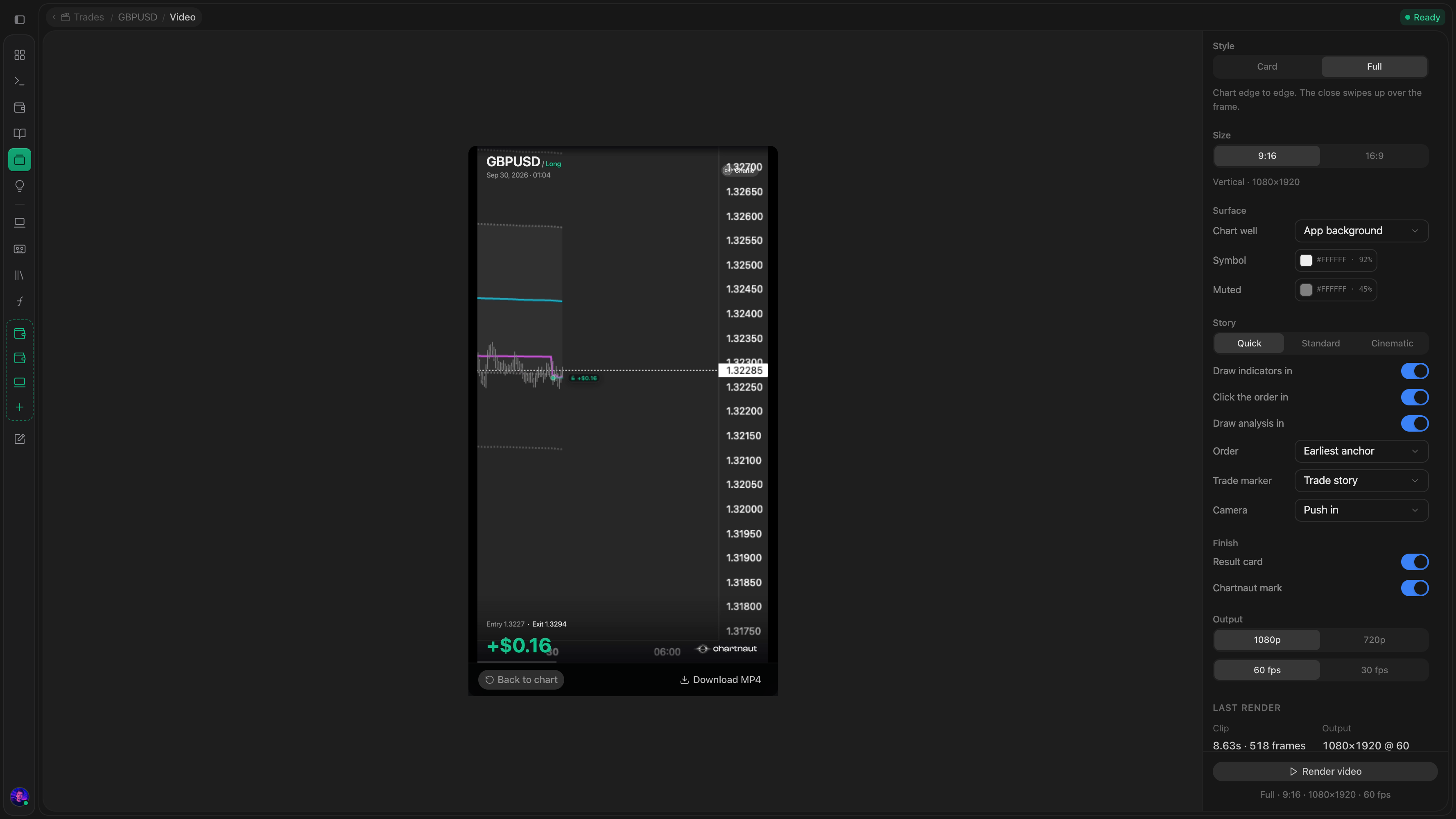
As video opens the trade video page, where the trade replays on its chart bar by bar, with your entry drawn in and the result at the end. Choose a style, 9:16 for stories or 16:9, the pacing and the camera, then click Render video and Download MP4. Snapshots and replay lists every setting.
Limits
Thumbnail and Detail need a close snapshot. A trade that closed while Chartnaut was shut has none, so use the Card style for it.
A video needs a chart snapshot to replay. Trades imported from your broker have none, so share those as a Card.
The P&L on a card cannot be hidden.