
Live accounts
Your plan sets how many broker accounts can be live at the same time, across MetaTrader, cTrader, TradeLocker and Rithmic, and how many of those can be MetaTrader. It counts accounts live at once, not accounts you have ever linked, so you can swap one for another as often as you like.
 MetaTrader
 cTrader
 TradeLocker
Free | Pro | |
|---|---|---|
Live accounts at once | A 14-day live trial on 1 cTrader or TradeLocker account | 6 |
Of those, MT4 or MT5 | None | 1 |
Chartnaut Demo accounts | Unlimited | Unlimited |
 MT4
 Chartnaut Demo
On Pro, add-ons raise both numbers month by month:
Add-on | Price | Adds |
|---|---|---|
MetaTrader account | $20/month | 1 MetaTrader slot and 1 live slot |
cTrader or TradeLocker account | $4/month | 1 live slot |
On Free, Trading → Accounts holds Chartnaut Demo accounts and the one account of your live trial. The trial runs once per user and does not cover MT4 or MT5.
What counts
Every connected MetaTrader login counts once, MT4 and MT5 together, demo logins included, and so does one that is still connecting. It uses a live slot and one of your MetaTrader slots. A disabled MetaTrader account does not count, and neither does one in an error state.
Every cTrader, TradeLocker and Rithmic account you link uses a live slot only, never a MetaTrader one. One sign-in can link several accounts, and each counts once. A disabled account does not count. An account whose login needs signing in again keeps its slot, so fixing it never puts you over your plan.
MetaTrader has its own, smaller allowance because Chartnaut runs a hosted terminal for every MetaTrader account, demo or live. If your broker also offers cTrader, connecting that instead leaves your MetaTrader slot free.
Chartnaut Demo accounts never count.
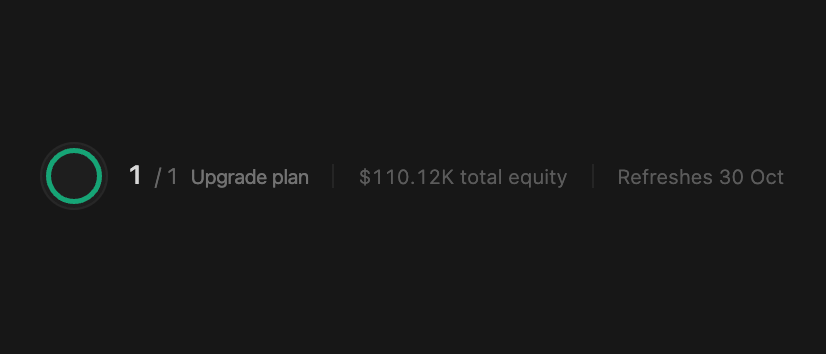
The top of Trading → Accounts shows your live accounts and your MetaTrader accounts against your plan's numbers.
At the cap
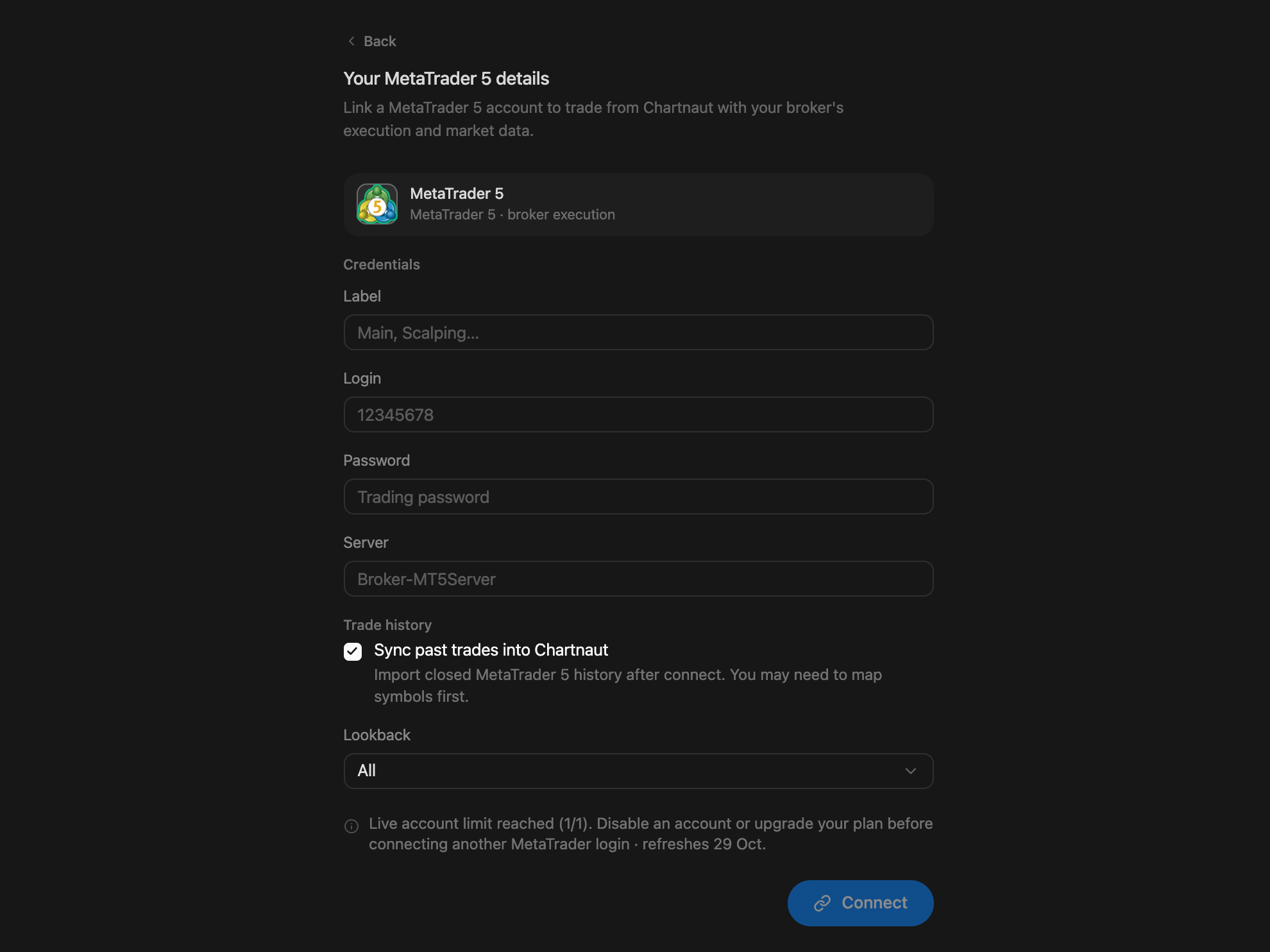
When you connect an account, the connect form shows what your plan allows. With MetaTrader selected and every MetaTrader slot in use, it reads MetaTrader limit reached (1/1). Connect a cTrader or TradeLocker account instead, or disable a MetaTrader account or upgrade your plan. On Pro, a MetaTrader account add-on adds a slot. A cTrader or TradeLocker account still connects while the live total has room.
With every live slot in use, it reads Live account limit reached (6/6). Disable an account or upgrade your plan before connecting another MetaTrader login.
Linking cTrader or TradeLocker accounts, the account picker shows how many live slots are free and asks you to choose fewer accounts, or disable one first, when you tick more than you have room for.
Enabling a disabled account at the cap is refused the same way: live broker account limit reached (6 of 6). Disable an account before enabling another. Enabling a MetaTrader account with every MetaTrader slot in use reads MetaTrader account limit reached (1 of 1).
Free a slot
Open Trading → Accounts.
Open the menu on the account you want to stop and click Disable account.
Click Disable to confirm.
Disabling stops the connection and frees its slot. The account, its trades and its reports stay, and Enable account in the same menu brings it back when a slot is free. Manage an account covers the rest of that menu.
Two other limits on connecting
One MetaTrader account connects at a time. Starting a second while the first is still connecting is refused until it finishes.
Each billing period allows 30 connection attempts, counted whether they succeed or fail. Past that the connect form shows Connection attempt limit reached with the date it refreshes.
When Pro ends
If you cancel Pro, your broker accounts stay connected until the end of the billing period, then disconnect. The same happens on day 14 of a live trial. Chartnaut does not close your positions or cancel your orders at the broker: anything open stays open there, and you manage it in your broker's own platform. The accounts, their trades and their history stay in Chartnaut, and buying Pro again lets you enable them.
Removing an account add-on switches off any accounts over your new allowance at once. Chartnaut brings MetaTrader within its allowance first, then the live total, each time starting with the account you traded on least recently. Nothing is deleted, and you can enable a different one once a slot is free. See Hitting a limit for what happens to the rest of your work.